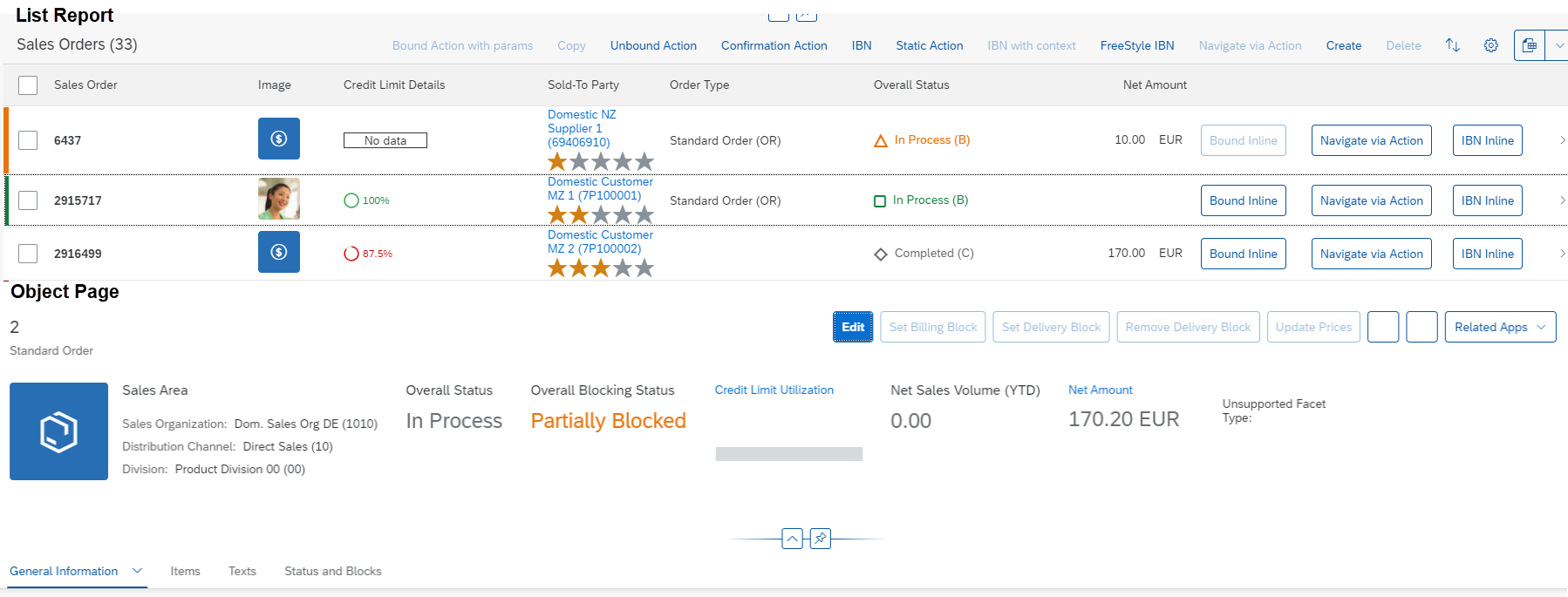
Status Colors and Icons
Status Colors and Icons
The UI annotations in CDS for LineItem, Identification
and FieldGroup have an attribute in the corresponding fields that
indicates how critical the field is using colors and icons. This attribute has to refer
to another property, which contains the value of the criticality.
<Record Type="UI.DataField">
		<PropertyValue Property="Criticality" Path="to_ProductStock/StockCriticality"/>
		<PropertyValue Property="Value" Path="to_ProductStock/StockEmergencyLevel"/>
        <PropertyValue Property="CriticalityRepresentation" EnumMember="UI.CriticalityRepresentationType/WithIcon"/>
		<Annotation Term="UI.Importance" EnumMember="UI.ImportanceType/High"/>
</Record>
The property containing the criticality can have the following values (derived from the complex type CriticalityType of the
vocabulary com.sap.vocabularies.UI.v1):
-
0 - Neutral
-
1 - Negative (red)
-
2 - Critical (orange)
-
3 - Positive (green)
-
5 - Information (blue): For items which need the user's attention
-
By default, SAP Fiori elements assumes that the
DataFieldis also marked with "CriticalityRepresentationType/WithIcon" and sets the icon of theObjectStatusappropriately (for example, for fields marked with "com.sap.vocabularies.UI.v1.CriticalityType/Negative", SAP Fiori elements sets the 'sap-icon://status-negative'). -
If the field is marked with "CriticalityRepresentationType/WithoutIcon", then the
ObjectStatusis rendered without the icon.
-