Using the Smart MultiInput Control on the Object Page
Using the Smart MultiInput Control on the Object Page
If the system identifies a 1:N association of a DataField, the Smart
MultiInput control is activated automatically.
You must have maintained this 1:N association in the back-end system. Without this 1:N association, a SmartField is rendered.
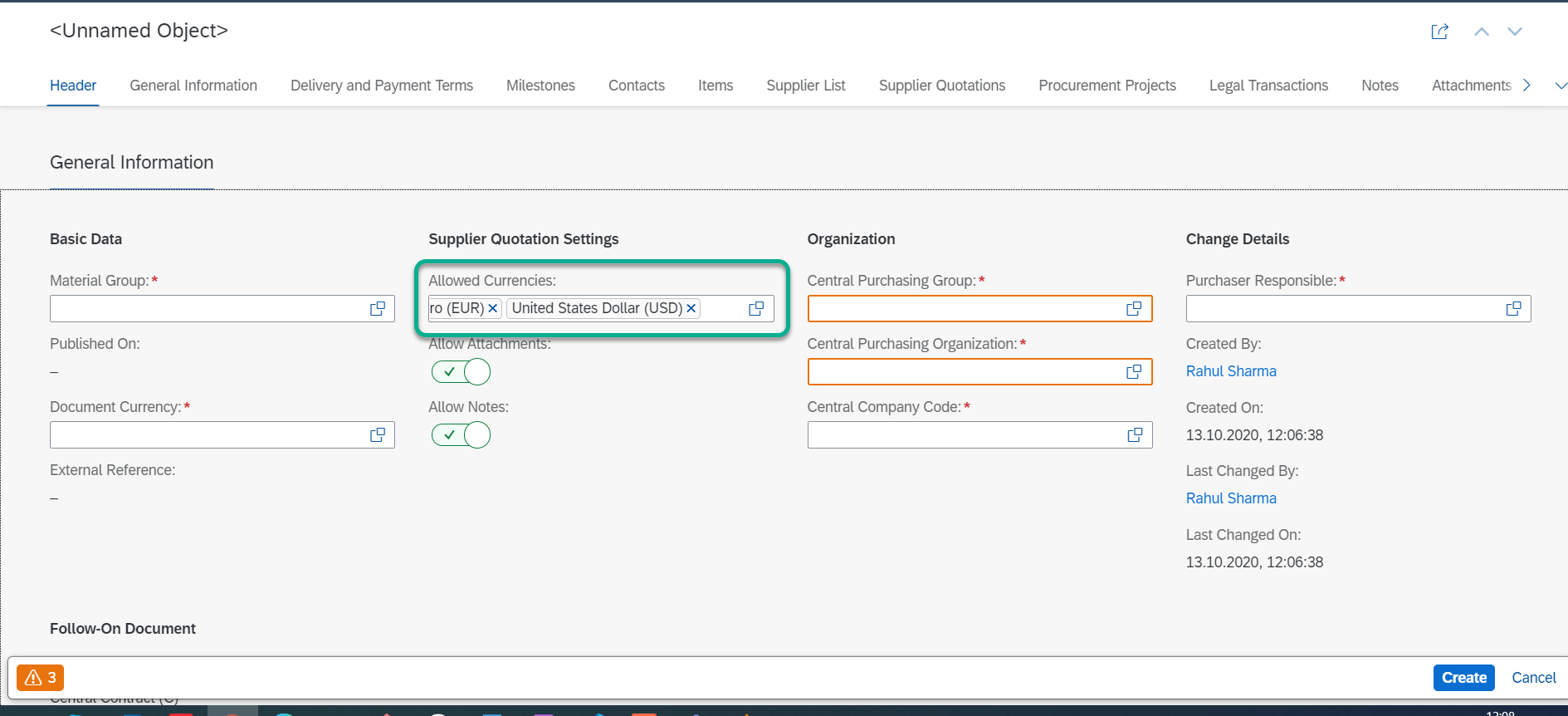

You cannot export to excel or copy and paste data from the smart multi-input field.
Please note that this topic is currently only applicable to SAP Fiori elements for OData V2.